Best Free Apps for Students in 2026: 12 Useful Picks
I spent my entire first semester of university doing everything on paper and my phone’s default Notes app. I assumed the best productivity apps would be expensive, so I never looked for alternatives.
That changed when one of my classmates showed me her phone.
She had:
- 📒 Notion for lecture notes
- 🧠 Anki for flashcards
- ➗ Photomath for calculus
- 🌳 Forest to stay focused
I switched the same week and immediately wondered why I hadn’t done it from day one.
This isn’t another generic “Top 10 Apps” list.
Every app below is one I’ve personally used during university and would happily recommend to a new student.
How We Chose These Apps
Every app had to pass these tests:
✅ Truly free (not just a 7-day trial)
✅ Solves a real student problem
✅ Available on both Android & iPhone
✅ Easy enough for beginners
✅ Still offers a generous free plan in 2026
If your phone already feels sluggish before you even add these apps, it’s worth sorting that out first — I broke down exactly how in my guide on speeding up Android phones.
Quick Overview
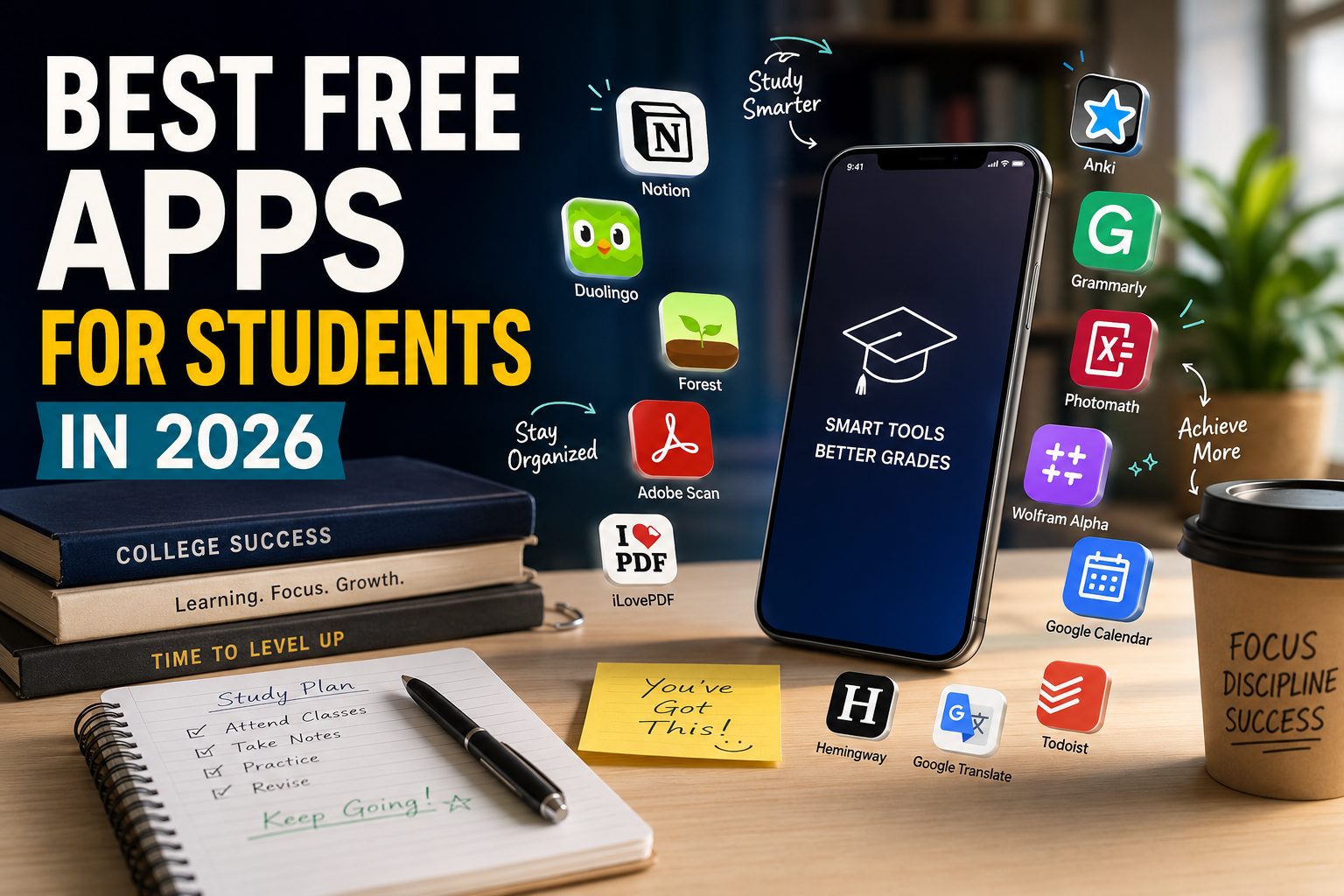
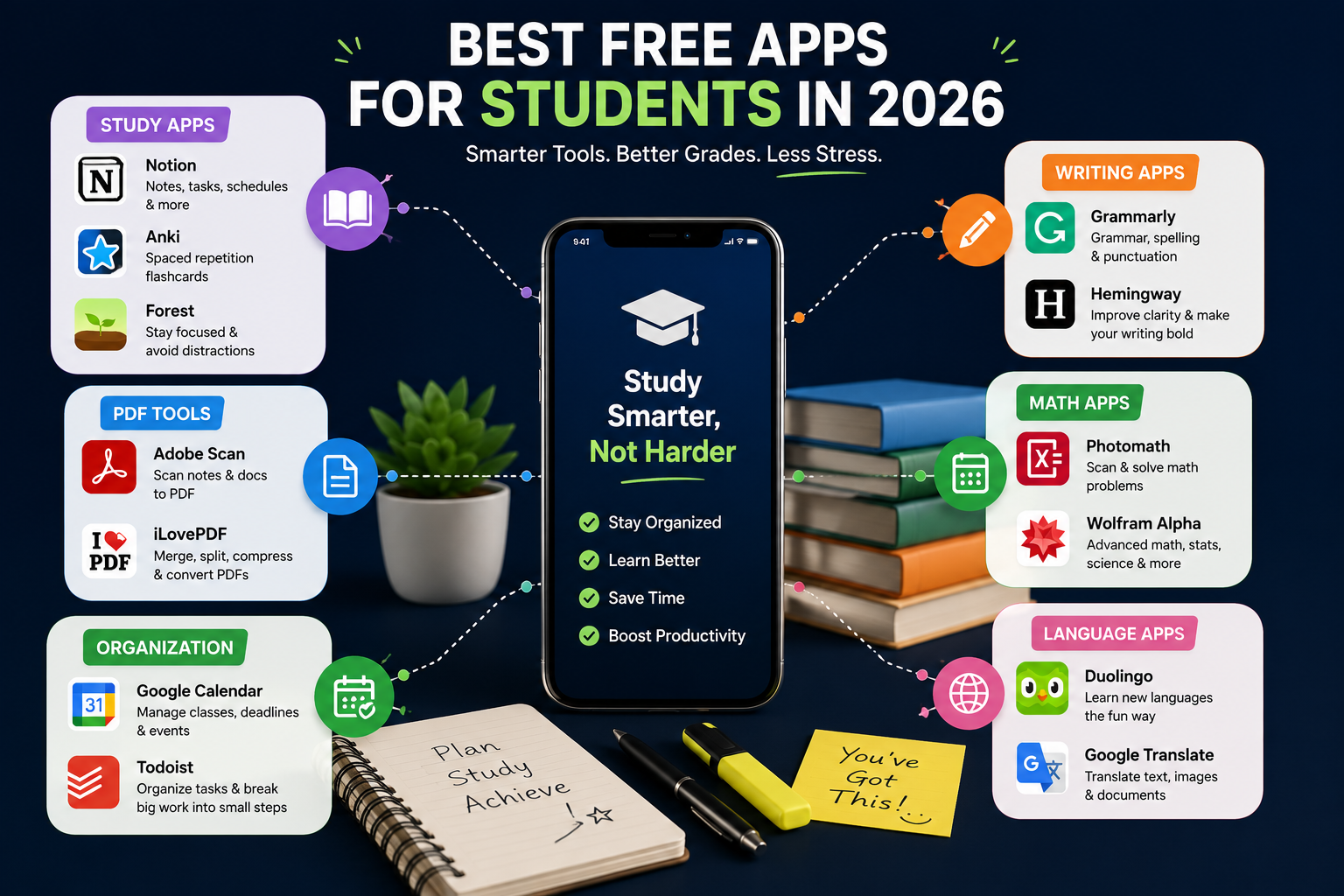
| App | Best For | Free? |
|---|---|---|
| Notion | Notes & Organization | ✅ |
| Anki | Flashcards | ✅ Android |
| Forest | Focus Sessions | ✅ |
| Adobe Scan | Document Scanner | ✅ |
| iLovePDF | PDF Editing | ✅ |
| Grammarly | Grammar | ✅ |
| Hemingway | Better Writing | ✅ |
| Photomath | Math Homework | ✅ |
| Wolfram Alpha | Advanced Math | ✅ |
| Google Calendar | Planning | ✅ |
| Todoist | Task Management | ✅ |
| Duolingo | Languages | ✅ |
| Google Translate | Translation | ✅ |
📚 Best Study Apps
1. Notion ⭐⭐⭐⭐⭐
Perfect for
- Lecture notes
- Assignment tracking
- Class schedules
- Project planning
- Study databases
Why students love it
✔ Everything stays in one place
✔ Works across every device
✔ Excellent templates
✔ Easy collaboration
Bonus Tip 💡
Use your university email.
You’ll unlock the Notion Plus Plan for FREE through the education program.
2. Anki
Best for subjects that require memorization.
Examples:
- Medicine
- Biology
- Law
- Languages
- Vocabulary
Pros
✅ Smart spaced repetition
✅ Completely free on Android
✅ Huge flashcard community
Cons
❌ Interface feels old
❌ iPhone version is paid
3. Forest
If you keep checking Instagram every five minutes…
Forest is for you.
How it works
🌱 Start a study session
🌳 A virtual tree grows
📱 Leave the app?
💀 Your tree dies.
It sounds silly.
It actually works.
📄 Best PDF Apps
Adobe Scan
Instead of taking blurry photos of notes…
Adobe Scan automatically:
- Crops pages
- Removes shadows
- Enhances text
- Creates searchable PDFs (OCR)
Best for
✔ Lecture notes
✔ Whiteboards
✔ Books
✔ Assignments
iLovePDF
One website that solves almost every PDF problem.
Features
- Merge PDFs
- Split PDFs
- Compress PDFs
- Convert Word ↔ PDF
- Convert PPT ↔ PDF
No installation required.
✍️ Best Writing Apps
Grammarly
Free version includes:
✅ Grammar
✅ Spelling
✅ Punctuation
✅ Basic clarity suggestions
Paid features
- AI rewrites
- Plagiarism checker
- Tone suggestions
Hemingway
Instead of fixing grammar…
It improves writing style.
It highlights:
- Long sentences
- Passive voice
- Hard-to-read paragraphs
- Too many adverbs
Perfect for essays.
🔢 Best Math Apps
Photomath
Simply point your camera at a problem.
You’ll get:
✅ Answer
✅ Step-by-step solution
✅ Explanation
Best for
- Algebra
- Calculus
- Geometry
Wolfram Alpha
Think of it as Google…
…but for mathematics.
Great for:
- Calculus
- Statistics
- Chemistry
- Physics
- Engineering
⚠ Use it to understand problems—not replace learning.
📅 Best Organization Apps
Google Calendar
Most students seriously underestimate this app.
Use it for:
📅 Classes
📝 Assignments
🎯 Exams
🔔 Reminders
Color-code each subject for quick planning.
Todoist
Instead of writing
Finish Assignment
Break it into:
- Research
- Outline
- First Draft
- Edit
- Submit
Small tasks feel much easier.
🌍 Best Language Apps
Duolingo
Best for:
- Daily practice
- Beginners
- Vocabulary
Free version
✔ Fully usable
❌ Shows ads
Google Translate
More useful than people realize.
Great for:
- Research papers
- Foreign textbooks
- Emails
- Camera translation
The camera feature alone saves a lot of time.
⚠ Apps You Should Delete
Take five minutes and remove:
❌ Old note-taking apps
❌ Duplicate PDF apps
❌ Random file converters
❌ Apps you haven’t opened in months
Why?
Unused apps quietly eat both storage and battery in the background. If you want the full cleanup process, I covered it in detail in my guide on freeing up Android storage without deleting apps you actually need.
My Recommendations
If you’re installing apps for the first time, start with these five:
🥇 Notion
🥈 Google Calendar
🥉 Anki
🏅 Adobe Scan
🏅 Grammarly
These cover almost everything you’ll need during a semester.
Final Thoughts
You don’t need every app on this list.
Start with one or two that solve your biggest problem today, then add more only when you genuinely need them.
The goal isn’t to fill your phone with apps—it’s to remove the small frustrations that waste time throughout the semester.