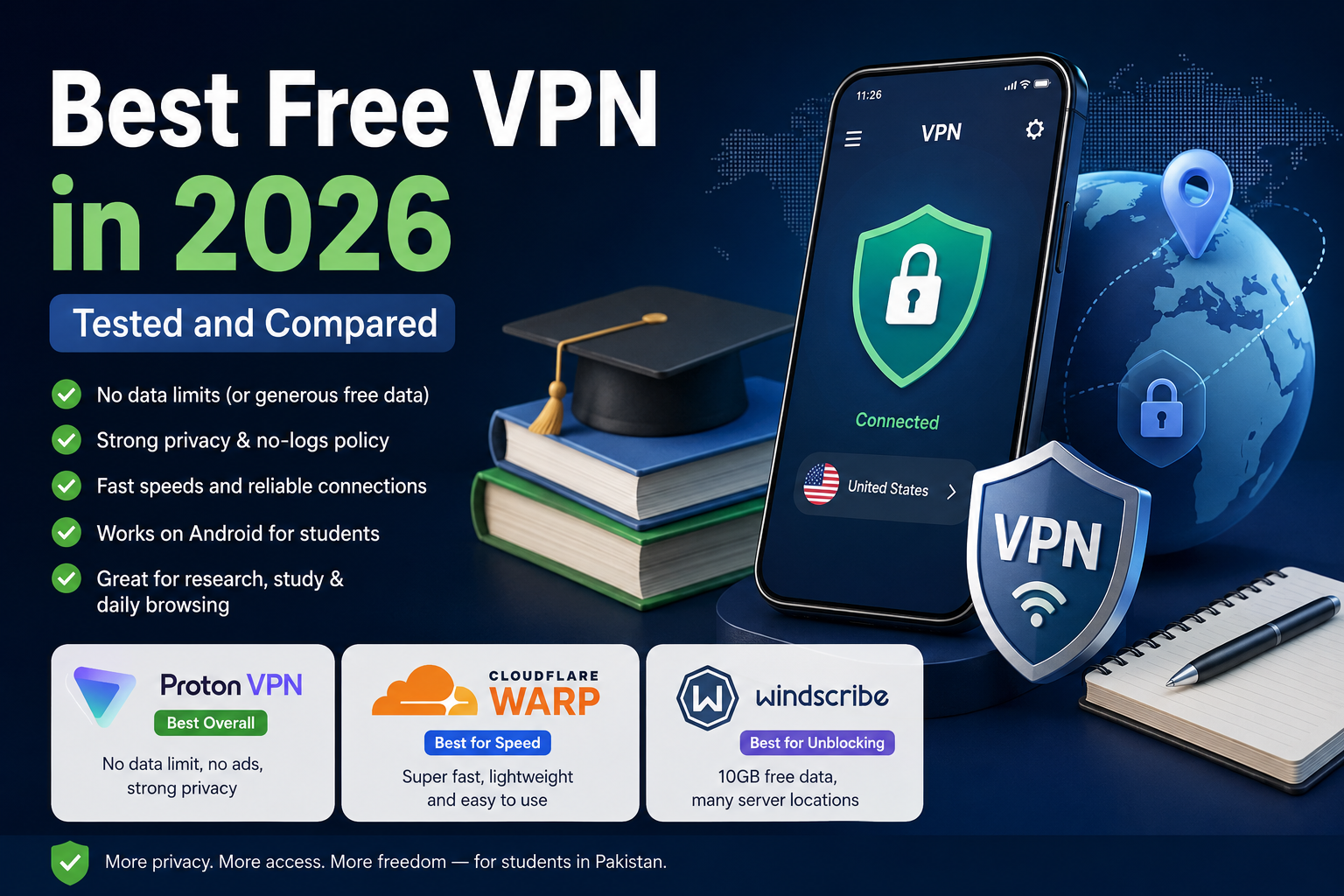
Best Free VPN in 2026 (Tested and Compared)
Last semester, my younger cousin was trying to submit an assignment through a US-based research portal his university had shared, and it just wouldn’t load properly from here. He messaged me at 11 PM panicking because the deadline was in a few hours. I told him to install a VPN, and within two minutes the page loaded fine and he submitted with fifteen minutes to spare.
That’s basically the story of why every student in Pakistan ends up needing a VPN at some point, whether it’s for research access, YouTube content that behaves weirdly on local networks, or just wanting a private connection on university WiFi (which, let’s be honest, is rarely secure).
I’ve personally used all three VPNs in this article for different reasons over the past year or so, so this isn’t a “top 10 list copied from somewhere” kind of post. It’s what actually worked for me and what didn’t.
Why Students in Pakistan Need a VPN
A few real reasons, not just theory:
University and research access. A lot of academic databases, journals, and even some Google Scholar-linked resources behave better or load faster when accessed the way they’re meant to be — and a VPN helps route around regional restrictions that sometimes affect access speed or availability.
Public WiFi risk. Public WiFi risk. Universities, hostels, and cafes running shared WiFi
networks are honestly not very secure. Anyone reasonably tech-savvy on
the same network can potentially snoop on unencrypted traffic. A VPN
encrypts your connection so this isn’t a concern, which pairs well
with other basic phone habits like the ones I covered in my Android
speed guide.
Platform and content restrictions. Pakistan has, at various points, restricted access to certain platforms and websites. Students doing research, freelancing, or just trying to use tools for coursework sometimes run into this.
Freelancing and remote work. A lot of students here do freelance work on the side (I did, and still do). Some client portals or payment platforms work more reliably over a VPN connection, especially when accessing services that check for regional consistency.
None of this means a VPN is some magic fix for everything, but for these specific situations, it genuinely helps.
What to Actually Look For in a Free VPN
Before I get into individual apps, here’s what I personally check before trusting any “free” VPN, because most free VPNs on the Play Store are honestly sketchy.
No data selling. A lot of shady free VPN apps make money by selling your browsing data to advertisers. If a VPN doesn’t clearly state a no-logs policy, skip it.
Realistic data limits. Some free VPNs give you 500MB and call it a day. That’s basically useless. Look for VPNs offering at least a few GB, ideally with no monthly cap at all.
No excessive permissions. I once installed a free VPN app that wanted access to my contacts and camera. A VPN app has zero legitimate reason to need that. Uninstalled it immediately.
Decent speed on free tier. Some VPNs cripple free users so badly you can’t even load a webpage. Not all free plans are equal here.
Available on Android properly. Since most students here use Android phones, the app needs to actually work well on Android, not be an afterthought compared to the desktop version.
With that out of the way, here are the three I’d genuinely recommend, plus honest downsides for each.
Proton VPN Free — Honest Review
Proton VPN’s free plan is genuinely one of the most generous I’ve come across. It’s built by the same Swiss company behind Proton Mail, and their free plan skips data caps and artificial speed throttling entirely, which is rare for a free VPN.
What I like about it:
- No data limit at all — you can use it as much as you want
- No ads shown in the app, which most free VPNs load you up with
- Strong no-logs policy backed by Swiss privacy law
- Works reliably on Android without random disconnects
The catch: on the free plan, you’re automatically connected to a randomly assigned server from a set of countries (things like the Netherlands, US, Japan, Romania, and a few others), and you can’t manually pick which one. You’re also limited to one device at a time on the free tier. Since free servers get more traffic, speeds can dip during peak hours, especially in the evening when everyone’s home from university and streaming.
For someone who mainly needs a VPN for browsing, accessing research resources, and general privacy without worrying about hitting a data wall, Proton VPN Free is probably the safest long-term free option out there.
Cloudflare WARP — Best for Daily Speed
This one surprised me. Cloudflare WARP isn’t a traditional VPN in the privacy-tool sense — it’s more of a fast, secure DNS and traffic routing tool built by Cloudflare, one of the biggest infrastructure companies on the internet. But for everyday browsing speed, it’s genuinely impressive.
I use WARP on my daily driver phone specifically because:
- It’s completely free with no data cap for regular use
- Noticeably faster than most VPNs since it’s optimized purely for speed, not for unblocking geo-content
- Super lightweight app, barely uses battery
- One-tap connect, no server selection headache
The honest limitation: WARP isn’t designed to unblock streaming content or bypass strict regional restrictions the way Proton or Windscribe can. It’s built for speed and basic privacy from your ISP, not for accessing region-locked content. If your main goal is just faster, more private daily browsing without extra fuss, this is the one to grab. If you need to get around specific content restrictions, it’s not the right tool for that job.
Windscribe — Best for Unblocking Content
Windscribe has been my go-to whenever I specifically need to access something that Proton or WARP couldn’t unblock. Their free plan starts at 2GB per month, but the moment you sign up with a real email and confirm it, that jumps to 10GB per month, no extra cost.
What makes it worth using:
- 10GB monthly data (after confirming email) is enough for regular browsing and moderate use
- Access to around 10 server locations on the free tier including the US, UK, Canada, and Germany
- Built-in ad and malware blocker called R.O.B.E.R.T., even on the free plan
- No limit on how many devices you can connect simultaneously, which most competitors restrict
The downside is obvious: 10GB runs out fast if you’re streaming or downloading regularly. I usually save Windscribe specifically for when I need a US or UK server for something particular, rather than using it as my everyday VPN. Also worth knowing, Windscribe is based in Canada, which is part of the Five Eyes intelligence alliance, so if that matters to your privacy comfort level, keep it in mind.
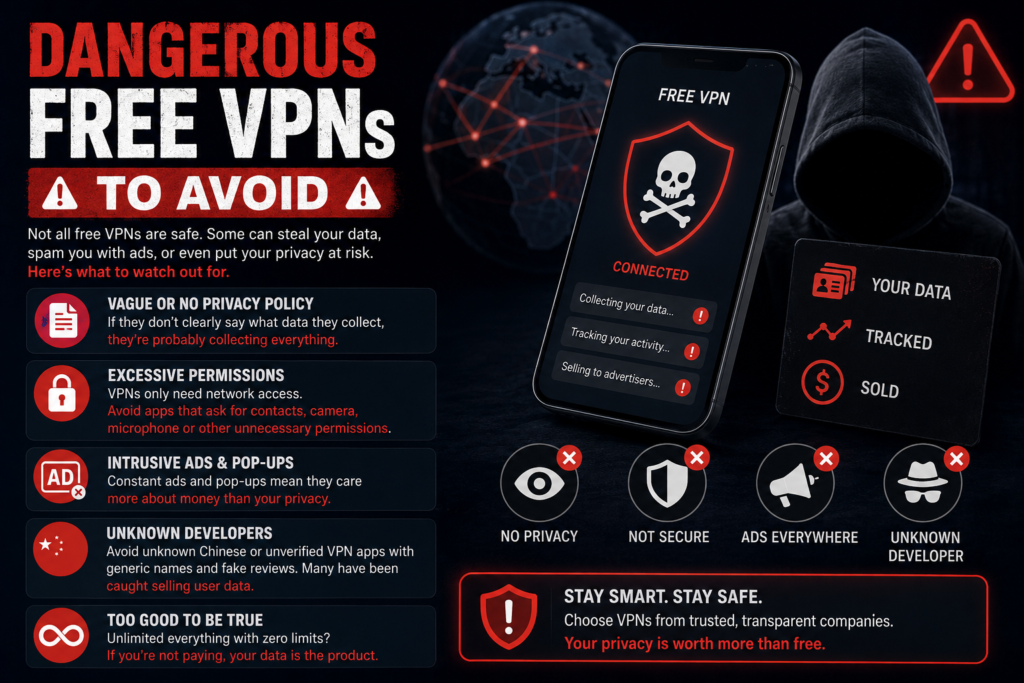
Dangerous Free VPNs to Avoid
I want to be direct about this because I’ve made this mistake myself early on. Not all free VPNs on the Play Store are safe, and some are actively harmful.
Avoid VPNs with vague or no privacy policy. If you can’t find a clear statement about what data they collect, assume they’re collecting everything and probably selling it.
Avoid apps with excessive permissions. Contacts, camera, microphone access for a VPN app is a massive red flag. A VPN needs network access, nothing else.
Avoid VPNs that show constant intrusive ads. Some free VPN apps are essentially ad-delivery tools disguised as VPNs. If it’s bombarding you with pop-ups the moment you connect, that’s your answer.
Be cautious with unknown Chinese-developer VPN apps that flood the Play Store with generic names like “Super Fast VPN” or “Turbo VPN Master” with millions of downloads but no clear company behind them. Independent research has flagged some of these for questionable data practices. Stick to VPNs from companies you can actually verify — Proton, Cloudflare, and Windscribe are all run by identifiable, accountable companies.
If a “free” VPN seems too good, unlimited everything, unlimited speed, unlimited servers, with zero limitations at all, that’s usually the biggest warning sign of all. Legitimate VPN companies have to make money somehow, and if it’s not from you paying, it might be from your data.
How to Install on Android — Step by Step
Here’s the general process, it’s basically the same for all three:
- Open the Google Play Store
- Search for the VPN by name — “Proton VPN,” “1.1.1.1: Faster Internet” (that’s WARP’s actual app name), or “Windscribe VPN“
- Tap Install
- Open the app once installed
- For Proton VPN and Windscribe: create a free account (Windscribe specifically needs email confirmation to unlock the full 10GB)
- For Cloudflare WARP: no account needed, just open and tap connect
- Grant the VPN permission when Android prompts you (this is a standard Android system permission for VPN apps, completely normal)
- Tap the connect button inside the app
- Wait a few seconds for the connection to establish — you’ll usually see a small key or shield icon appear in your status bar confirming it’s active
That’s genuinely it. None of these require any technical setup beyond this.
Final Recommendation for Each Use Case
If you want one VPN for daily use with zero data worries: Proton VPN Free. It’s the most sustainable option for actual daily reliance since there’s no data cap to run out of.
If you mainly care about faster, more private everyday browsing and don’t need to unblock anything specific: Cloudflare WARP. It’s the lightest and fastest option by a clear margin.
If you occasionally need to access something specific from a US or UK server and don’t mind a data limit: Windscribe, saved for those specific moments rather than daily use.
Honestly, a smart setup is keeping two of these installed. I personally keep Proton VPN as my default and Windscribe on standby for the occasions I specifically need it. Costs nothing, and covers pretty much every situation a student here is likely to run into.
One last thing — always double check your university or workplace’s policy on VPN usage if you’re on their official network or device. Most personal use cases like the ones above are completely routine, but it’s worth being aware of any specific restrictions your institution might have.